
Commodore Disk Drive Emulator
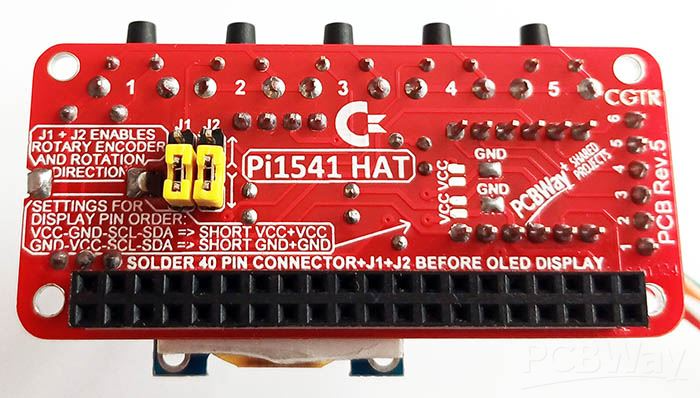
RASPBERRY Pi1541 HAT with ROTARY and OLED screen
Pi1541 is a real-time, cycle exact, Commodore 1541 disk drive emulator.
You can load and save Commodore programs, D64, .PRG extensions, games/software from a micro SD card as an alternative to the SD2iEC product.
To use Pi1541 you will need a Raspberry PI Zero, Zero 2, Zero 2W, 2B, 3A, 3B or 3B+.
Connect your Raspberry PI device to your new Pi1541 HAT as depicted below:
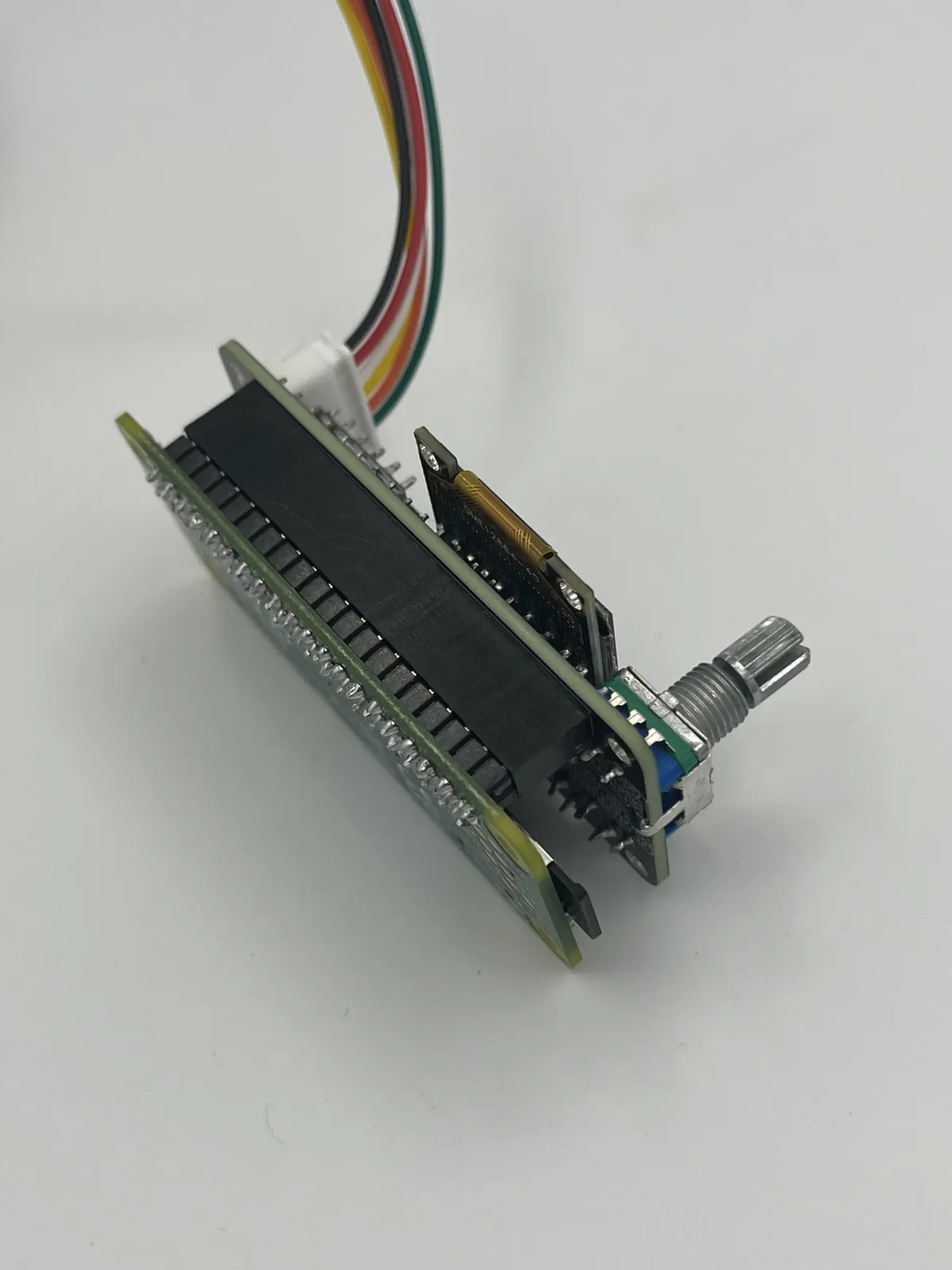
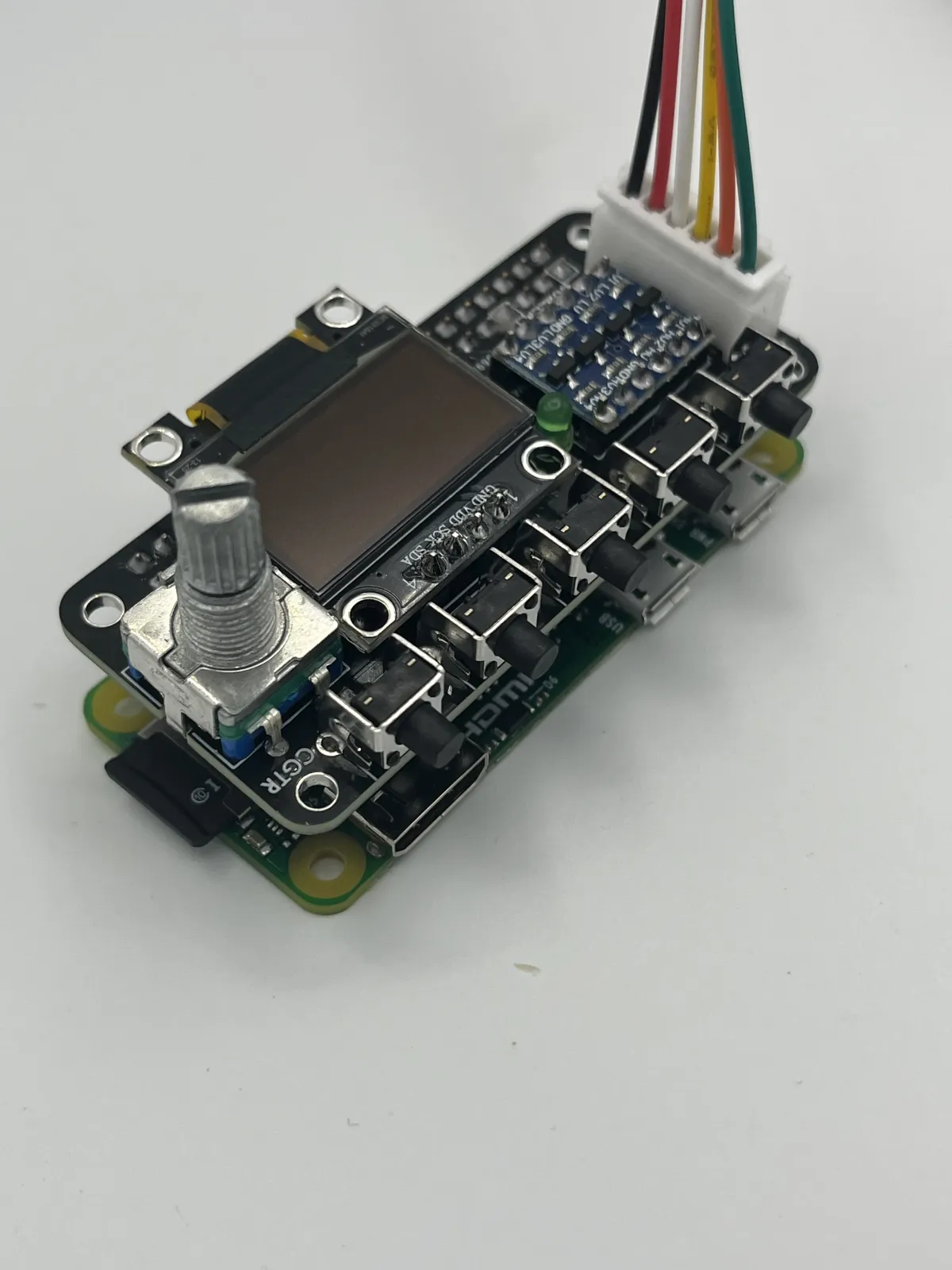
Zero 2W
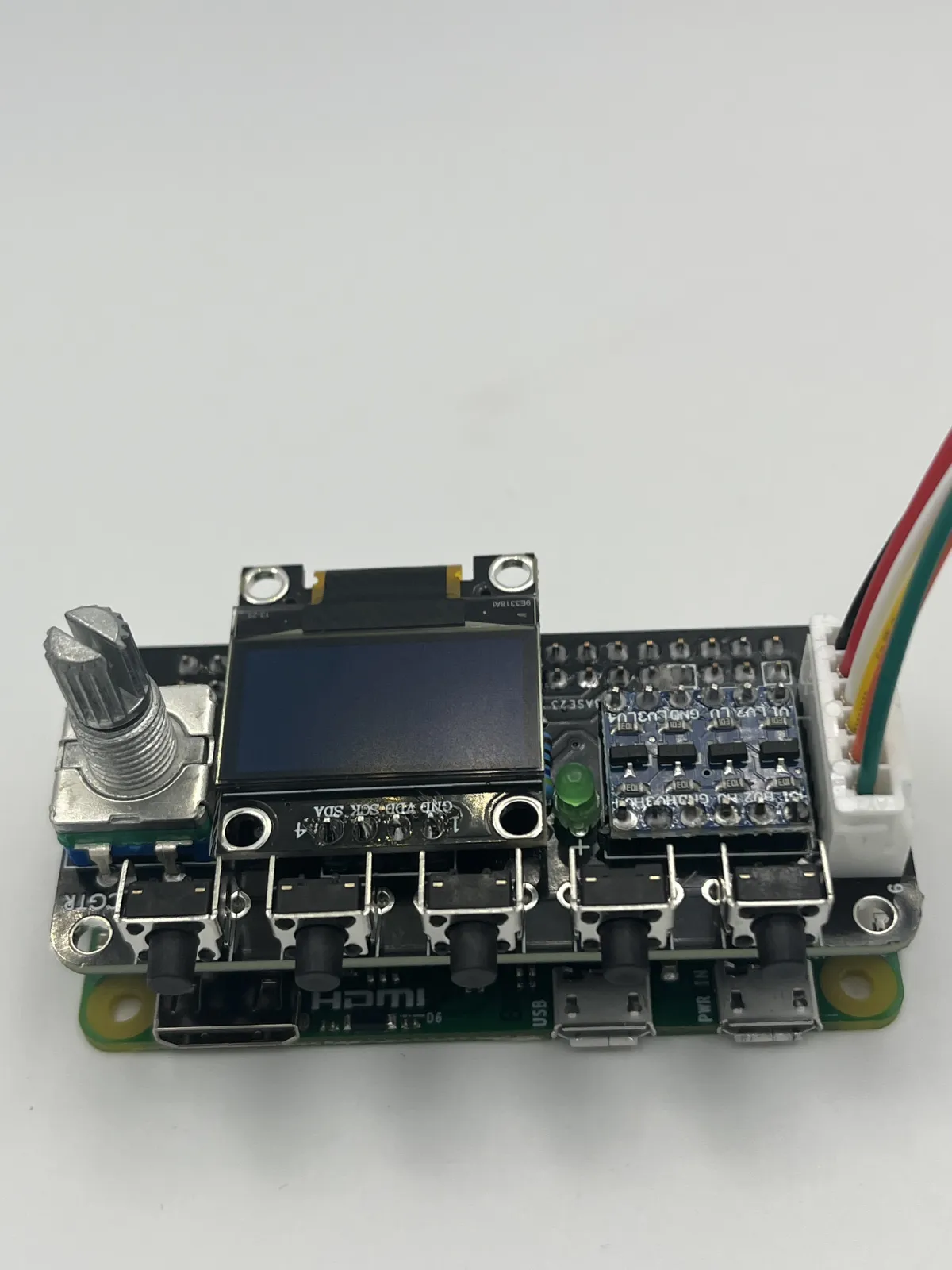
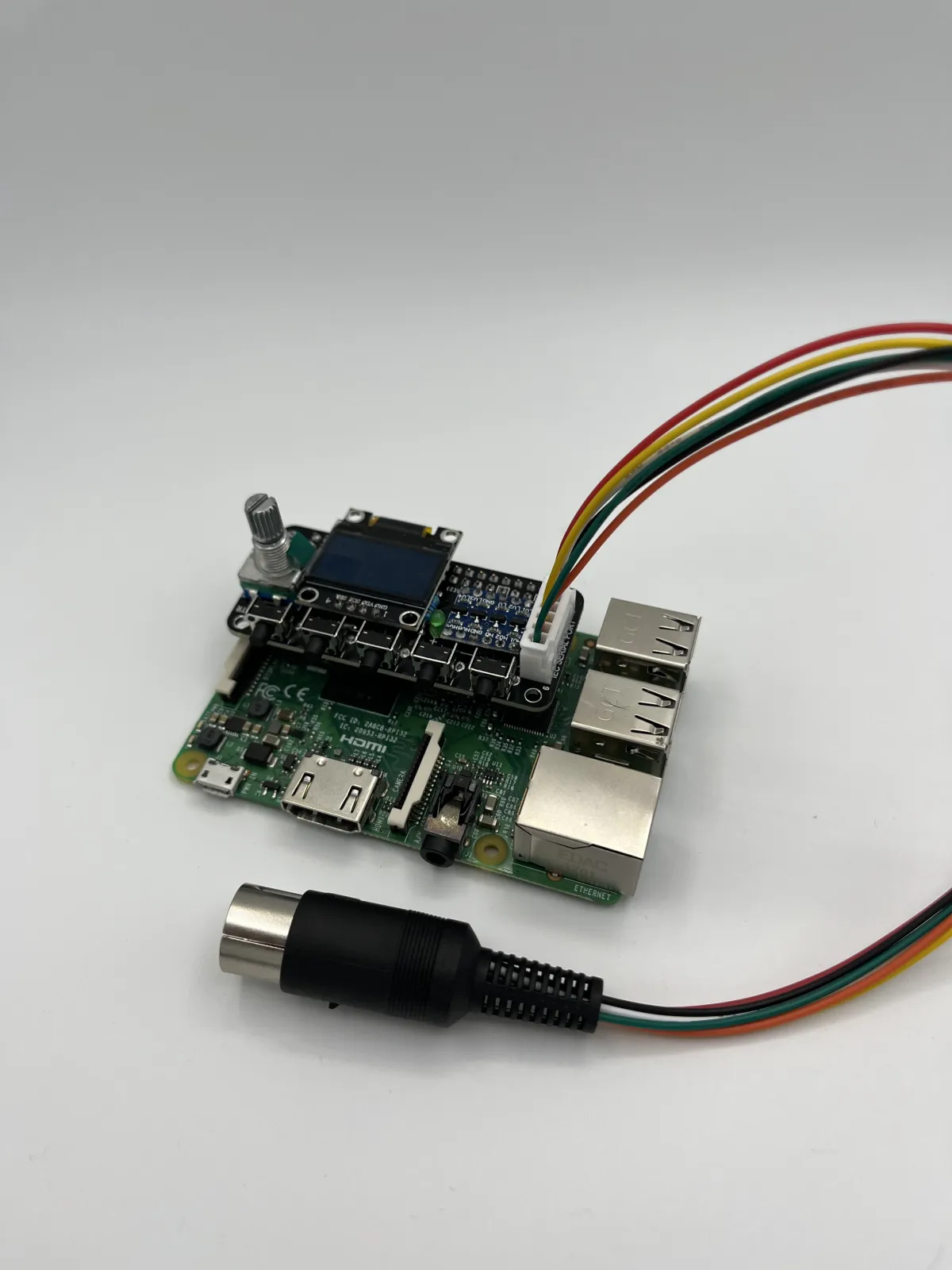
3B, 3B+
The software and full instructions for creating a bootable SD card for your PI containing the required emulator and support files can be found on the Pi1541 home page:
The connected device can be plugged into the Commodore computer’s serial port using the 6PIN DIN connection, ensuring the computer is powered off whilst connecting. If you have set up your SD card correctly, the Pi1541 device will display a boot logo followed by a file selector once the PI is powered on via its USB connector.
Programs contained on the SD card can be selected (push) using the ROTARY control and loaded in the same way as loading from Floppy Disks – E.g. load “*”,8,1
Settings for the Rotary
Disable: No jumpers
Enable: J1 and J2 with jumper, see board for desired direction
Example Options.txt file
ROM1581 = 1581-rom.318045-02.bin
scrollHighlightRate = 0.07
ChargenFont = charges
OnResetChangeToStartingFolder = 1
GraphIEC = 0
SoundOnGPIO = 0
SoundOnGPIODuration = 1000
SoundOnGPIOFreq = 1200
StarFileName = fb.d64
LCDName = ssd1306_128x64 // Needed to enable LCD screen!
QuickBoot = 1
i2cLcdUseCBMChar = 1
lowercaseBrowseModeFilenames = 1
RotaryEncoderEnable = 1
DisplayTemperature = 1
DisplayTracks = 1
Note: In order to protect your electronical devices, always turn off your Commodore before connecting or disconnecting the cables or any other device.